Finding a job in 2026 is more competitive than ever. Hundreds of applications pour into every job posting — and most of them never reach a human.
Why? Because companies use Applicant Tracking Systems (ATS) to filter resumes automatically. If your resume is not formatted correctly or missing the right keywords, it gets rejected before any hiring manager sees it.
That is where an AI resume builder comes in.
These tools help you create an ATS-friendly resume, match your skills to job descriptions, and generate a professional cover letter — all in minutes.
In this guide, you will find the 10 best AI resume builders in 2026 — tested, compared, and explained so you can pick the right one for your situation.
Also Read this: Best AI Writing Tools
What Is an AI Resume Builder?
An AI resume builder is a software tool that uses artificial intelligence to help you write, format, and optimize your resume.
Unlike a basic resume template, an AI resume builder actually reads the job description you are applying for. It then suggests the right keywords, improves your bullet points, and scores your resume against ATS criteria.
The result is a resume that is more likely to pass automated filters and reach the desk of a real hiring manager.
Why Most Resumes Get Rejected Before a Human Reads Them
Here is a fact that surprises many job seekers: a large majority of resumes are filtered out by ATS software before any recruiter reviews them. This happens because:
- The resume uses complex formatting like tables, columns, or graphics
- Important keywords from the job description are missing
- Section headings are non-standard (for example, “Work History” instead of “Experience”)
- The file is not exported as a clean, parsable PDF or Word document
An AI resume builder solves all of these problems. It creates clean, machine-readable layouts and ensures your resume content matches what employers are actually searching for.
10 Best AI Resume Builders in 2026
1. Rezi — Best AI Resume Builder for ATS Optimization
Best for: Job seekers who want to maximize their ATS score
Free plan: Yes (limited downloads)
Paid plan: $29/month
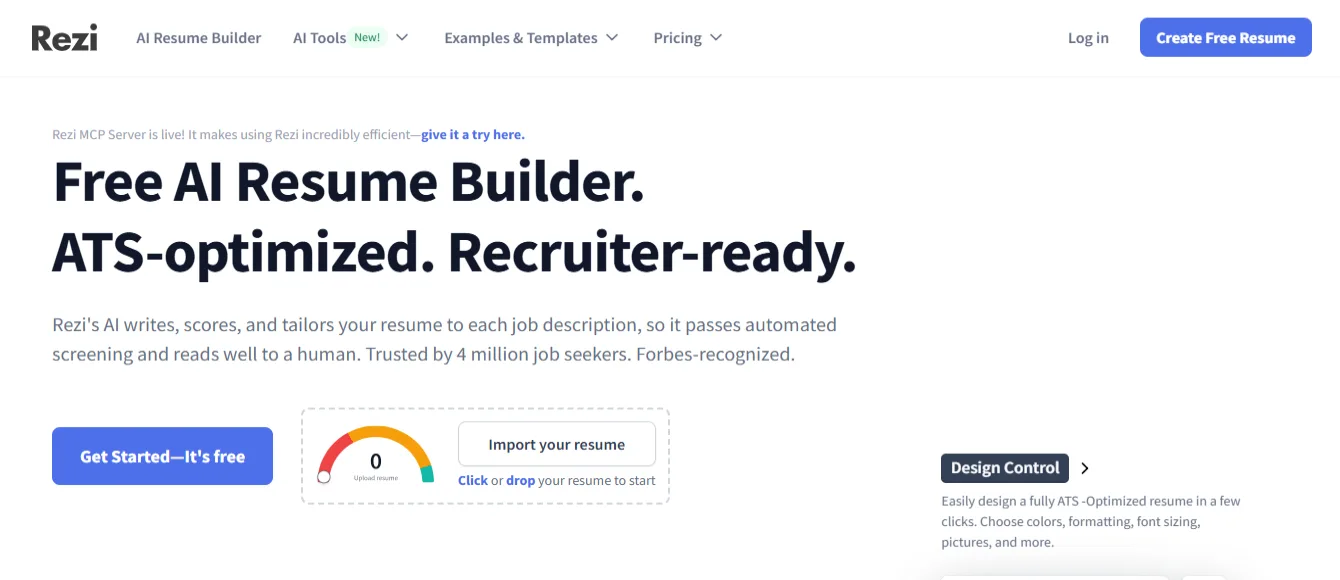
Rezi is one of the most ATS-focused AI resume builders available in 2026. It was built specifically to help resumes pass through applicant tracking systems like Workday, Greenhouse, Lever, and Taleo.
When you upload your resume or build one from scratch, Rezi analyzes it against the job description you paste in. It then highlights missing keywords, flags formatting issues, and gives you a real-time resume score.
What makes Rezi stand out:
The AI-generated bullet points are practical and specific. Instead of vague suggestions, Rezi gives you action-oriented language that matches recruiter expectations. The scoring system is detailed — you can see exactly what needs to change and why.
Who should use it:
Rezi is ideal for mid-level to senior professionals applying to corporate roles where ATS filters are heavily used. If getting past the automated screening is your main challenge, Rezi is one of the strongest tools available.
Limitations: The free plan limits how many resumes you can download. Design options are minimal — but that is intentional, since clean formatting improves ATS parsing accuracy.
2. Teal — Best AI Resume Builder for Active Job Seekers
Best for: People applying to multiple jobs at once
Free plan: Yes (generous)
Paid plan: ~$29/month
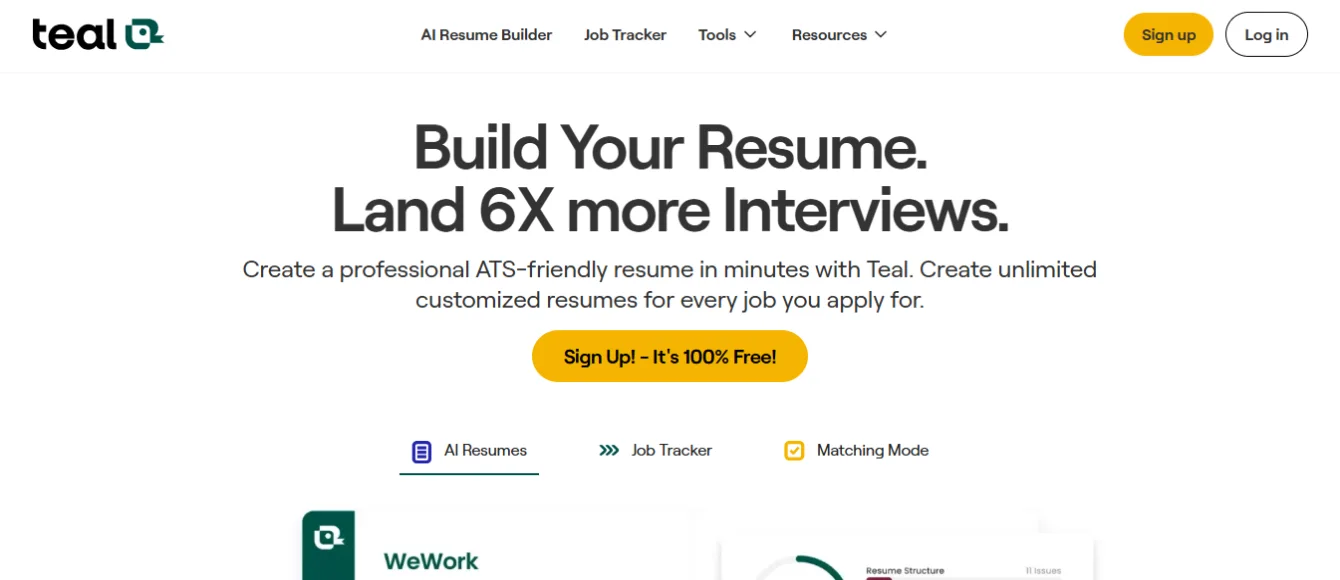
Teal is more than a resume builder. It is a complete job search management platform. You get AI-powered resume editing plus a built-in job tracker that helps you manage every application in one place.
Teal’s Chrome extension is one of its best features. When you find a job posting on LinkedIn or Indeed, you can save it instantly. Teal then analyzes the job description and suggests which keywords to add to your resume.
What makes Teal stand out:
The job-to-resume matching feature is excellent. Teal compares your resume directly against a specific job description and gives you a keyword match score. This tells you exactly what to add before you submit each application.
Who should use it:
Teal is perfect for active job seekers applying to 10 or more positions at once. If you struggle to keep track of where you applied and what version of your resume you sent, Teal brings everything into one organized workflow.
Limitations: The AI writing tools are less powerful than some dedicated resume generators. The weekly pricing on the paid plan adds up quickly if you need it for more than a month.
3. Kickresume — Best AI Resume Builder for Students and Recent Graduates
Best for: First-time resume writers and recent graduates
Free plan: Yes
Paid plan: ~$19/month
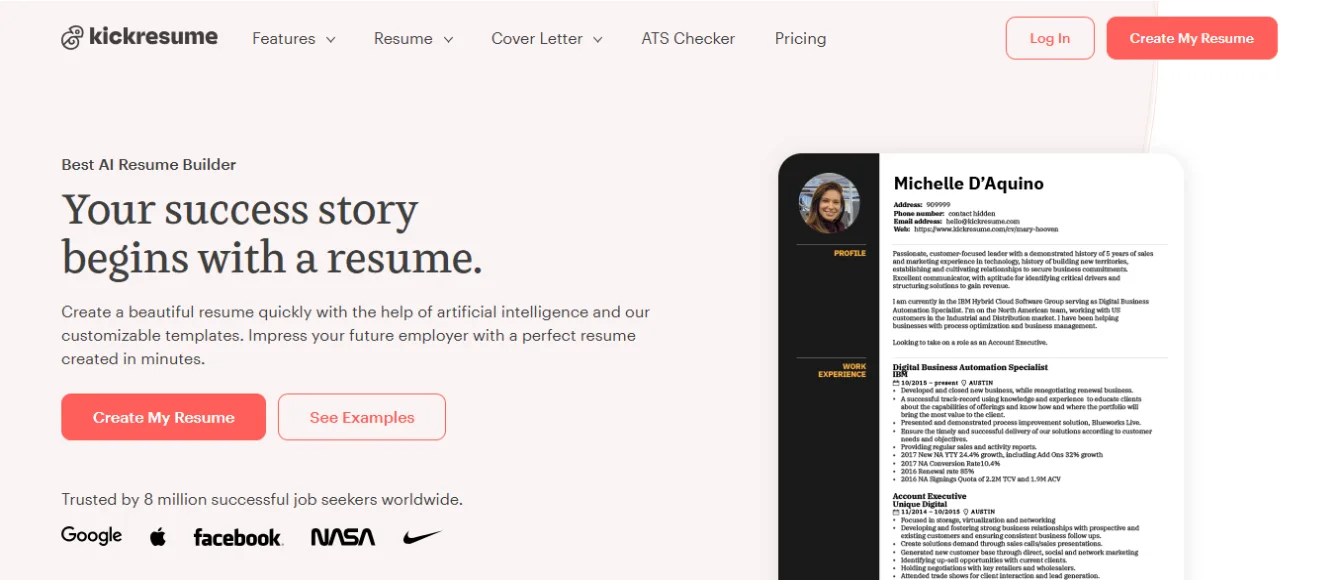
Kickresume is one of the most beginner-friendly AI resume builders available. You fill out a short questionnaire about your background, and the AI generates a complete resume draft — including a professional summary, work experience bullet points, and a skills section.
The platform has over 40 resume templates, all designed by professional typographers. They are visually polished and offer significant design customization.
What makes Kickresume stand out:
The AI writing quality is among the best tested. It produces polished first drafts that sound natural rather than robotic. Students with limited work experience especially benefit because the AI helps them present internships, projects, and academic achievements effectively.
Who should use it:
Kickresume works best for students, recent graduates, and early-career professionals who are creating their first serious resume. It is also a strong choice for people who want a visually attractive resume for creative industries.
Limitations: Some visually detailed templates can cause ATS parsing issues. Stick to Kickresume’s ATS-labeled templates when applying through online portals.
4. Resume.io — Best All-in-One AI Resume Builder
![Free Resume Templates 2026 [Download & Edit] · Resume.io](https://aiearningway.com/wp-content/uploads/2026/06/Resume.io_.webp)
Best for: Job seekers who want everything in one platform
Free plan: Trial only
Paid plan: $29.95/4 weeks
Resume.io is built by hiring experts and combines AI resume writing, ATS optimization, cover letter generation, and job distribution tools in a single platform. It has one of the largest user bases of any resume tool, with tens of thousands of positive reviews.
The editor is smooth and intuitive. You can build a resume from scratch, upload an existing one, or import from LinkedIn. The AI then suggests improvements for each section and optimizes your content for the specific role you are targeting.
What makes Resume.io stand out:
It is the most complete end-to-end solution available. From building your resume to generating a matching cover letter to distributing your application — everything happens inside one platform. For job seekers who want a simple, unified experience, this is hard to beat.
Who should use it:
Resume.io is a strong choice for professionals at any career stage who want a polished resume without switching between multiple tools. It is especially well-suited for people applying to roles that require a cover letter alongside the resume.
Limitations: There is no meaningful free plan. The auto-renewal pricing catches some users off guard. Check the billing terms carefully before signing up.
5. Jobscan — Best AI Resume Builder for Keyword Matching
Best for: Deep ATS analysis and keyword optimization
Free plan: Yes (limited scans)
Paid plan: $49.95/month
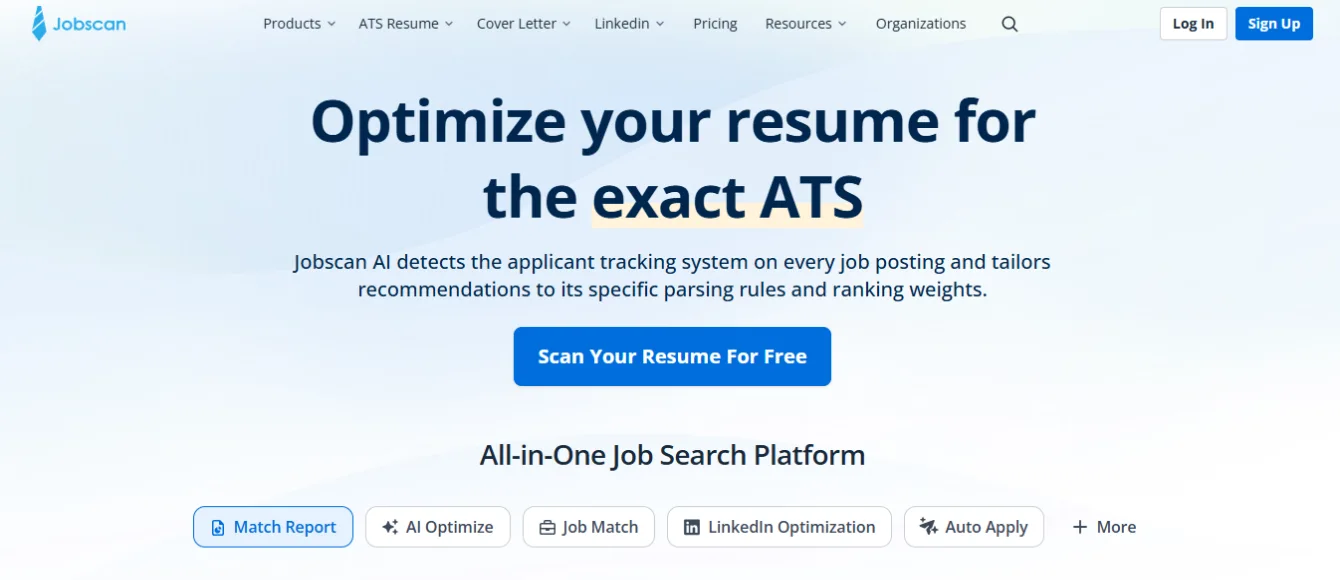
Jobscan is the most powerful keyword matching tool in the resume space. It does not focus on design or visual templates. Instead, it analyzes your resume against a specific job description and identifies every keyword gap with precision.
When tested against enterprise ATS platforms, Jobscan consistently produces the highest keyword match scores. It is especially effective for professionals applying to roles in competitive industries like finance, healthcare, and technology.
What makes Jobscan stand out:
The depth of analysis is unmatched. Jobscan breaks down hard skills, soft skills, job title alignment, and even LinkedIn profile optimization. It shows you exactly where your resume falls short for each specific job you target.
Who should use it:
Jobscan is best for experienced professionals applying to highly competitive positions. It works well as a companion tool — use Kickresume or Enhancv to build and design your resume, then run it through Jobscan for final keyword optimization.
Limitations: It is expensive compared to full resume builders. It is an optimization tool, not a builder — you still need another platform to create and format the resume itself.
6. Enhancv — Best AI Resume Builder for Personal Branding
Best for: Professionals who want a distinctive, achievement-focused resume
Free plan: Yes
Paid plan: ~$29/month
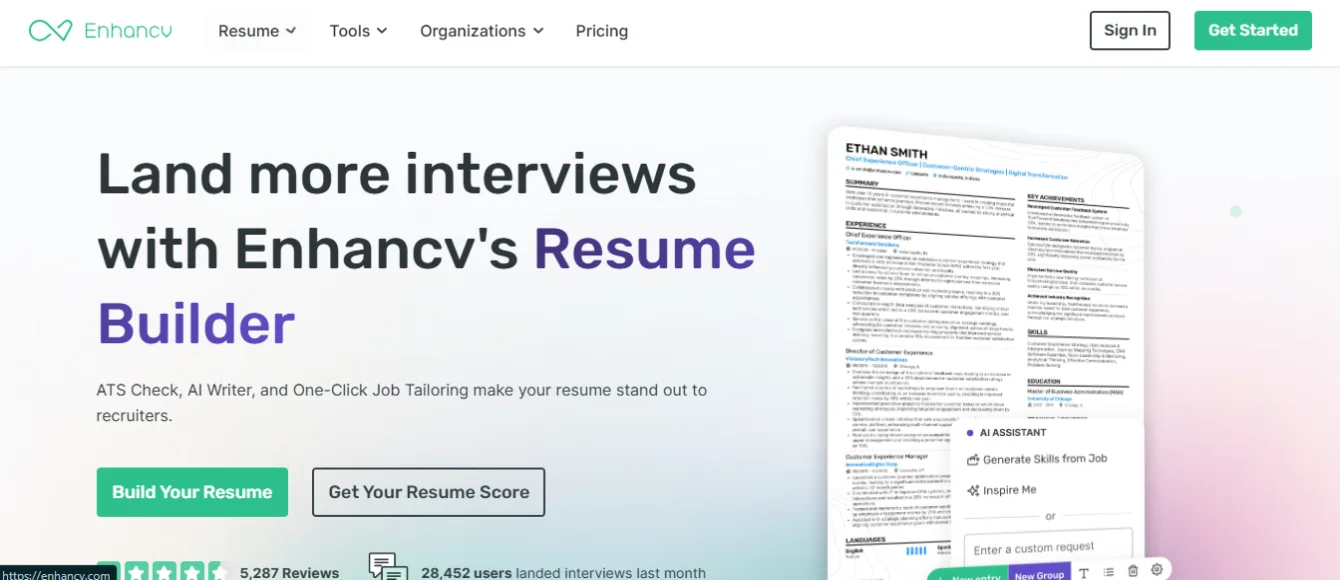
Enhancv takes a different approach than most AI resume builders. Its focus is on helping you tell a compelling career story — not just list job duties. The AI analyzes your resume against 17 quality criteria and suggests specific improvements to make your achievements sound more impactful.
The platform is built on data from over 1.3 million resumes, so its suggestions are backed by real hiring trends. Templates are visually polished while remaining ATS-compatible.
What makes Enhancv stand out:
The achievement-framing suggestions are genuinely useful. Instead of writing “Managed social media accounts,” Enhancv helps you rewrite it as something quantified and specific. This makes your resume stand out to human reviewers after it passes the ATS filter.
Who should use it:
Enhancv works especially well for marketing professionals, creative directors, and anyone applying to roles where personal branding matters. If you want your resume to be memorable to human readers — not just machine-readable — this is a strong choice.
Limitations: AI assistance is more guided than fully automated. You still need to fill in content sections manually and rely on the AI for suggestions and rewrites rather than complete generation.
7. Zety — Best AI Resume Builder for Resume Design
Best for: Creating visually clean, professionally formatted resumes
Free plan: Limited (free editing, paid downloads)
Paid plan: ~$23.70/month
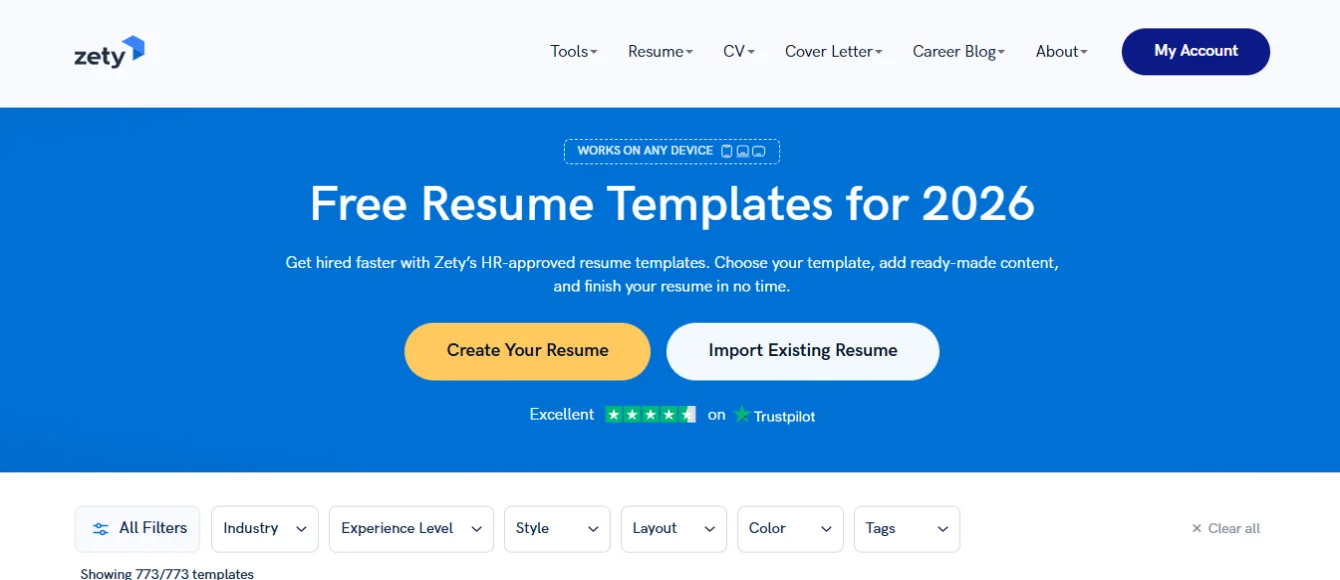
Zety produces some of the cleanest resume designs of any AI builder tested. After a significant interface update in 2026, the PDF output quality improved substantially. Templates are well-structured and professional without being flashy.
What makes Zety stand out:
If you are applying to roles where a polished, human-reviewed resume matters — like design positions, executive roles, or boutique companies — Zety’s formatting is excellent. The editor is fast and intuitive.
Who should use it:
Zety works best for job seekers who already know what they want to write but need help formatting it professionally. It is a strong template tool for people who prefer to control their own content.
Limitations: Zety does not perform job-specific keyword optimization. The resume you export is only as strong as the content you put in. For ATS-heavy applications, pair Zety with a keyword tool like Jobscan.
8. Novoresume — Best Free AI Resume Builder for International Job Seekers
![16+ Free Resume Templates [Download and Print]](https://aiearningway.com/wp-content/uploads/2026/06/Novoresume.webp)
Best for: Students, beginners, and international job seekers
Free plan: Yes (most generous free tier tested)
Paid plan: ~$19.99/month
Novoresume offers the most generous free plan of any AI resume builder on this list. You can create a complete, professional resume without paying anything — and it comes with clean templates that are both ATS-compatible and visually appealing.
What makes Novoresume stand out:
The free tier is genuinely usable. Many resume builders advertise a “free plan” but require payment before you can download anything. Novoresume lets you build and download a professional resume at no cost, making it accessible for students and early-career job seekers in the US and internationally.
Who should use it:
Novoresume is the best starting point for anyone on a budget. Students applying for internships, recent graduates entering the job market, and anyone creating their first professional resume will find it more than sufficient.
Limitations: Advanced AI features like keyword matching and ATS scoring require a paid upgrade. The AI writing assistance is more basic compared to Rezi or Teal.
9. ResuFit — Best AI Resume Builder for Tailored Applications
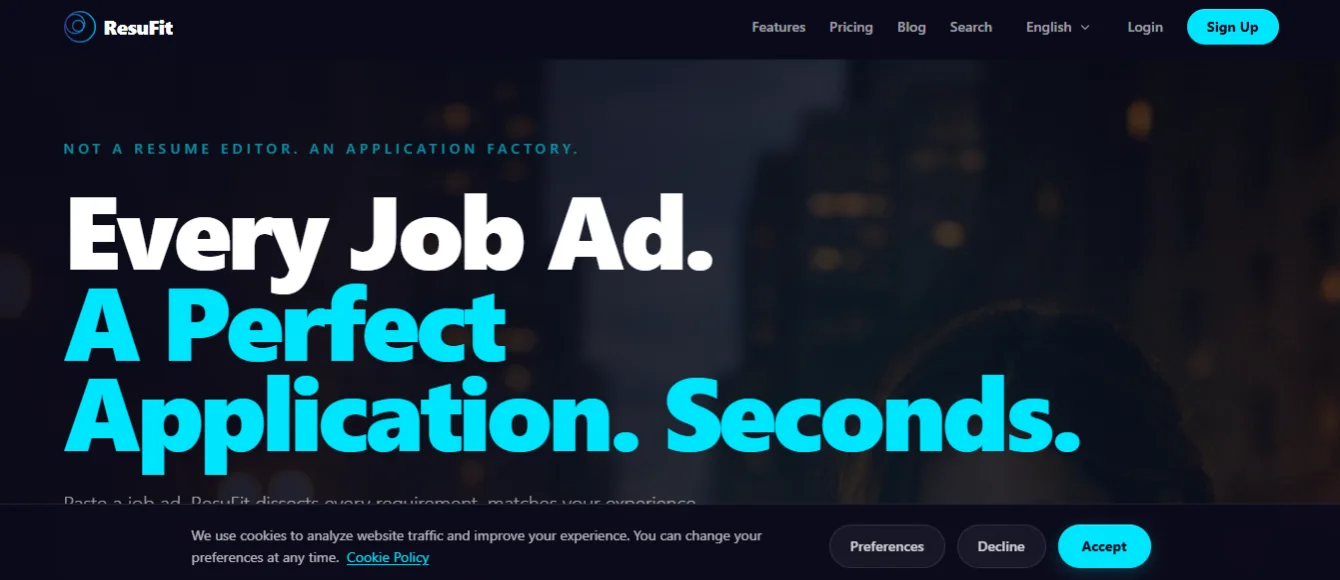
Best for: Quickly tailoring your resume to each specific job
Free plan: Yes (usable without payment)
Paid plan: ~$24.95/month
ResuFit specializes in resume tailoring. You upload your existing resume, paste a job description, and ResuFit generates a customized version of your resume optimized for that specific role — in seconds.
The platform performs 24-point ATS analysis, checks your resume against real ATS systems, and catches formatting issues that other tools miss. The free plan includes enough features to be genuinely useful without hitting a paywall.
What makes ResuFit stand out:
The speed and precision of tailoring is impressive. Rather than manually editing your resume for every job you apply to, ResuFit automates the customization process. This is a significant time-saver for active job seekers.
Who should use it:
ResuFit is ideal for professionals who already have a solid resume but need to customize it efficiently for each application. If you are applying to 20 or more positions, the time saved is significant.
Limitations: Less focused on visual design. Best used as a tailoring and optimization tool rather than a primary resume builder.
10. Canva AI — Best AI Resume Builder for Creative Professionals
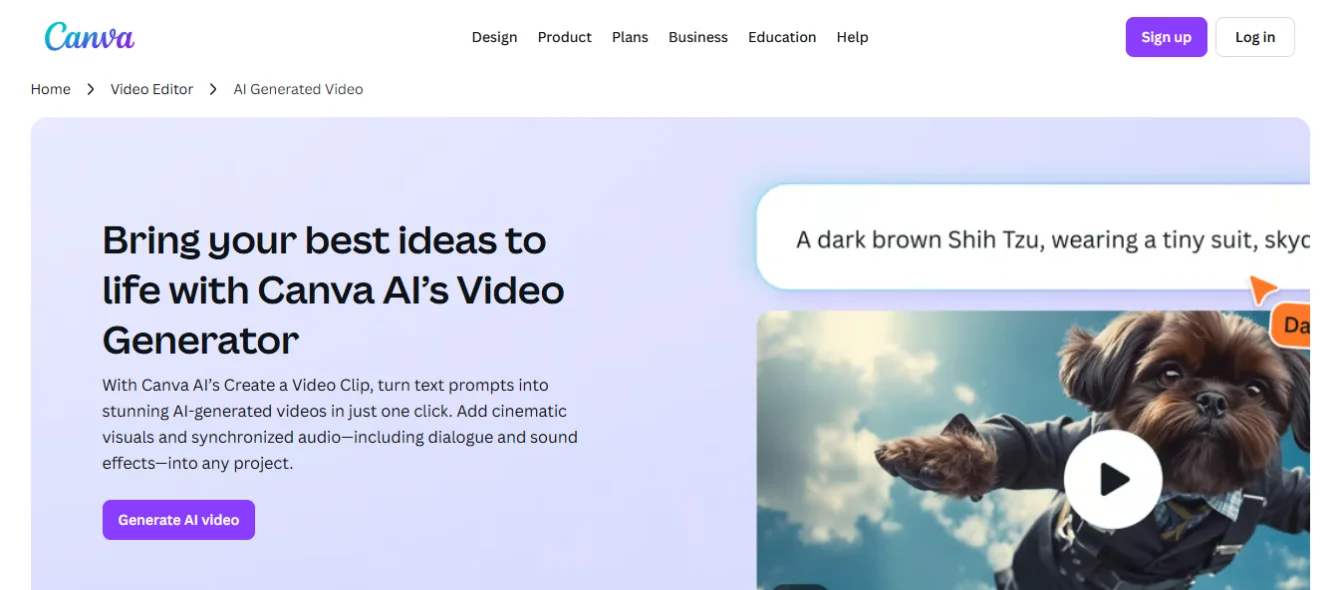
Best for: Designers, marketers, and creative roles
Free plan: Yes
Paid plan: $15/month (Canva Pro)
Canva is widely known as a graphic design tool, but its AI-powered resume builder has become a popular choice for creative professionals. The Magic Write feature generates professional summaries and bullet points from simple prompts. The template library is visually stunning.
What makes Canva AI stand out:
No other resume builder produces resumes that look as visually impressive as Canva. For roles where presentation and personal branding matter — graphic design, marketing, UX, media — a Canva resume makes a strong first impression with human reviewers.
Who should use it:
Canva is the right choice when you are applying to creative roles where your resume will be reviewed directly by a person — not filtered through an ATS. Portfolio companies, design studios, and creative agencies often prefer distinctive resumes.
Important warning: Canva’s multi-column and graphics-heavy templates are not ATS-compatible. Many enterprise ATS systems cannot parse Canva resumes correctly. Use the “dual resume” strategy — a Canva version for direct submissions and email applications, and a plain ATS-friendly version for online portals.
Quick Comparison Table
Tool | Best For | ATS Optimized | Free Plan | Starting Price |
Rezi | ATS optimization | ✅ Excellent | ✅ Limited | $29/month |
Teal | Active job seekers | ✅ Good | ✅ Generous | ~$29/month |
Kickresume | Students & graduates | ✅ Good | ✅ Yes | $19/month |
Resume.io | All-in-one platform | ✅ Good | Trial only | $29.95/4 wks |
Jobscan | Keyword matching | ✅ Excellent | ✅ Limited | $49.95/month |
Enhancv | Personal branding | ✅ Good | ✅ Yes | $29/month |
Zety | Resume design | ⚠️ Basic | ⚠️ Limited | $23.70/month |
Novoresume | Budget & beginners | ✅ Good | ✅ Best free | $19.99/month |
ResuFit | Tailored applications | ✅ Excellent | ✅ Yes | $24.95/month |
Canva AI | Creative roles | ❌ Not recommended | ✅ Yes | $15/month |
How to Choose the Right AI Resume Builder for Your Situation
Not every AI resume builder is right for every person. Here is how to decide:
If you are a student or recent graduate — Start with Novoresume (free) or Kickresume. Both are beginner-friendly and produce professional-looking resumes without technical complexity.
If you are changing careers — Use Teal or ResuFit. Both tools are excellent at helping you match transferable skills to new job descriptions and reframe your experience for a different industry.
If you are applying to corporate or tech companies — Use Rezi or Jobscan. ATS filters are most aggressive in these environments, and these tools are built specifically for that challenge.
If you want everything in one platform — Resume.io is the most complete solution. Resume building, cover letter generation, and job distribution are all available inside one tool.
If you are a designer or creative professional — Use Canva AI for direct applications and keep a plain ATS version (built in Novoresume or Rezi) for online portals.
What Makes an AI Resume Builder Actually Good?
After researching and analyzing dozens of tools, these are the features that separate excellent AI resume builders from average ones:
Real ATS testing — The tool should be tested against actual enterprise ATS platforms like Workday, Greenhouse, and Lever. Marketing claims about “ATS-friendly templates” are not enough.
Job description matching — The AI should read the specific job description you are applying to and tailor keyword suggestions accordingly. Generic suggestions that appear regardless of the job are not useful.
Clean PDF output — Your final resume must export as a properly structured, parsable PDF. Fancy formatting that looks great on screen often fails when an ATS tries to extract the data.
Cover letter integration — A matching cover letter significantly improves your application. The best platforms generate one that is consistent in tone and language with your resume.
Resume scoring — Real-time feedback helps you understand what is working and what needs improvement before you submit.
5 Mistakes to Avoid When Using an AI Resume Builder
Even with the best tool, these common mistakes will hurt your results.
Using a visually complex template for online applications — Multi-column layouts, icons, and graphics look impressive to human eyes but often break ATS parsers completely.
Copy-pasting AI output without editing — Hiring managers in 2026 can identify generic AI-generated language. Always personalize the bullet points and summary to reflect your actual experience.
Using the same resume for every application — Each job posting has different priorities. The best results come from tailoring your resume for each specific role, not submitting one generic version everywhere.
Ignoring the skills section — ATS systems heavily weight the skills section. Make sure it includes both hard skills and soft skills that appear in the job description you are targeting.
Not exporting as a standard PDF — Some online portals prefer Word (.docx) files. Always check the job posting for preferred file format before submitting.
How AI Resume Builders Help With Career Changes
A career change is one of the most challenging resume situations. You have relevant experience — but it may not match the language of your target industry.
AI resume builders help career changers in a few important ways. First, they analyze job descriptions in your new target field and identify exactly which transferable skills to highlight. Second, they reframe your past experience using language that resonates with hiring managers in the new industry. Third, they suggest additional keywords you can legitimately add to your skills section based on adjacent experience.
If you are making a career change in the US job market, Teal and ResuFit are the most effective tools for this specific challenge.
AI Resume Builder for ATS — What You Need to Know
If you are applying through an online job portal (Indeed, LinkedIn, company careers page), your resume will almost certainly be parsed by an ATS before anyone reads it.
Here is what an ATS-optimized resume requires:
- Standard section headings: “Work Experience,” “Education,” “Skills,” “Certifications”
- Simple, single-column layout with no tables, text boxes, or columns
- Clean fonts like Arial, Calibri, or Georgia at readable sizes
- Keywords from the job description placed naturally throughout the content
- A professional summary at the top that includes your job title and core skills
- Dates formatted consistently (Month Year — Month Year)
- Exported as a standard PDF or Word document
Tools like Rezi, Jobscan, and ResuFit are built specifically to check all of these criteria and flag anything that could cause an ATS to reject your resume.
Frequently Asked Questions
What is the best AI resume builder in 2026?
The best AI resume builder depends on your situation. For ATS optimization, Rezi is the strongest choice. For beginners and students, Kickresume and Novoresume are most accessible. For active job seekers managing multiple applications, Teal offers the best complete workflow. For a free option with real usability, Novoresume and ResuFit both provide strong free plans.
Are AI resume builders free?
Several AI resume builders offer free plans with useful features. Novoresume has the most generous free tier — you can create and download a complete resume at no cost. Teal, Rezi, Enhancv, and ResuFit also offer free plans, though advanced AI features and unlimited downloads typically require a paid subscription.
Can AI resume builders help me pass ATS filters?
Yes. AI resume builders like Rezi, Jobscan, and ResuFit are specifically designed to improve ATS pass rates. They analyze your resume against real job descriptions, identify missing keywords, and flag formatting issues that cause ATS systems to reject resumes or fail to parse them correctly.
What is the best AI resume builder for students?
Kickresume and Novoresume are the best AI resume builders for students. Both offer free plans, beginner-friendly interfaces, and AI writing assistance that helps students present academic achievements, internships, and projects effectively — even with limited work experience.
Can AI resume builders write a cover letter too?
Yes. Several AI resume builders include cover letter generation. Resume.io, Kickresume, Enhancv, and Jasper AI all generate cover letters tailored to your resume and the job you are applying for. A well-matched cover letter significantly improves your chances of getting an interview, especially for mid-to-senior level roles.
Which AI resume builder is best for career changers?
Teal and ResuFit are the best AI resume builders for career changers. Both tools excel at analyzing job descriptions in your target field and identifying transferable skills from your existing experience. They help you reframe your background using industry-appropriate language without misrepresenting your actual qualifications.
Is it safe to use AI for resume writing?
Yes, it is safe and widely accepted. Using an AI resume builder to structure, format, and optimize your resume is no different from using a professional resume writing service. The key is to review and personalize the AI-generated content before submitting — avoid copy-pasting generic output without editing, as hiring managers can often identify unedited AI language.
What is the best free AI resume builder in 2026?
Novoresume offers the most genuinely useful free plan — you can build and download a complete resume without paying. ResuFit and Teal also offer strong free tiers that include AI optimization features. Rezi and Kickresume have free plans but limit downloads or advanced features.
How long does it take to build a resume with AI?
Most AI resume builders can generate a complete resume draft in under 10 minutes. Tools like Resume Optimizer Pro and ResuFit can produce a tailored, job-specific resume in under 30 seconds when you upload an existing resume and paste a job description. Final editing and personalization typically takes an additional 15 to 30 minutes.
Do hiring managers know if a resume was made with AI?
Hiring managers cannot determine which tool you used to build your resume. However, they can recognize generic, over-formatted, or robotic-sounding content that is common in unedited AI output. The best practice is to use AI as a drafting and optimization tool, then personalize the language to reflect your actual experience and voice. A well-edited AI-assisted resume is indistinguishable from a human-written one.
Final Thoughts
The US job market in 2026 is competitive. Companies receive hundreds of applications for every open position — and most resumes never reach a human reviewer.
An AI resume builder gives you a real advantage. It helps you create a resume that passes ATS filters, matches the language hiring managers are looking for, and presents your experience clearly and professionally.
The right tool depends on where you are in your career and what you need most. Start with a free plan from Novoresume or Teal. If you are applying aggressively or targeting competitive industries, Rezi or Jobscan will give you the keyword precision you need.
The best resume is the one that gets you the interview. AI tools help make that happen faster.